Assigning Lathe Tool Inserts
Introduction
BobCAM allows you to assign geometry to define custom lathe tool inserts for tools that can't be created using the provided insert types.
To Assign a Tool Insert
- In the graphics area, draw the 2D shape of
the insert.
- At the position of the attachment point to
the tool holder, place a
It does not matter which dashed pattern is chosen, just that the circle itself is not solid. - Place a point at the theoretical tool point.
This point is normally tangent to the forward and bottom extents of the tool nose radius.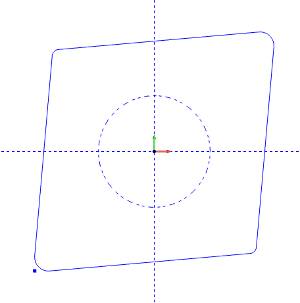
Note: The Tool Attachment Circle is only required if the insert is to be associated with a tool holder.


