
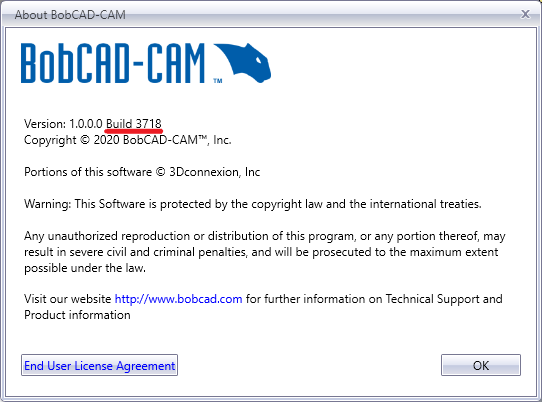
How to Find the Current Build of the Software
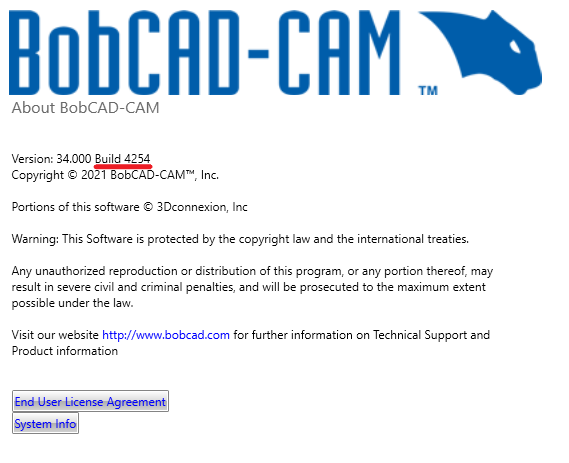
For Standalone BobCAD:
Open BobCAD and go to File > Help in the upper right hand corner (see picture)
For BobCAM for SolidWorks:
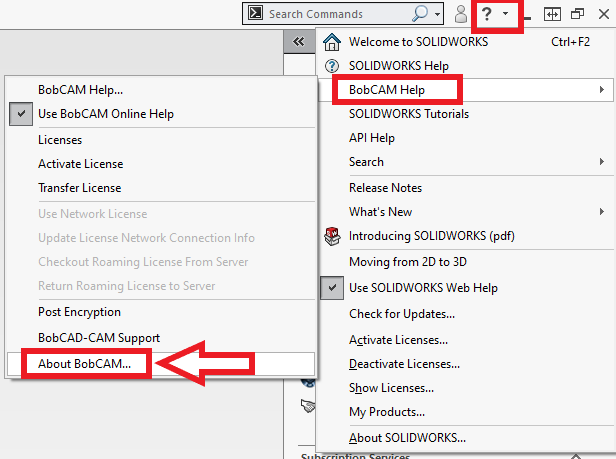
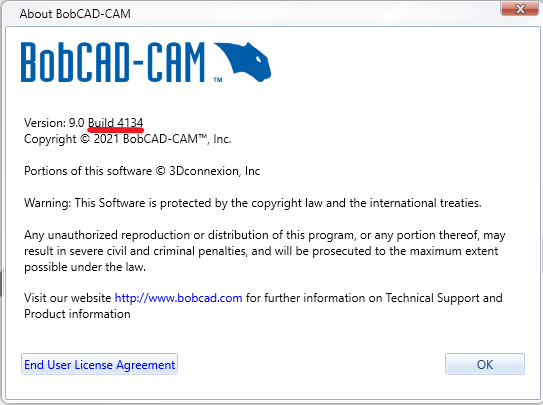
Open SolidWorks, click on drop-down box next to the question mark and go to BobCAM Help > About BobCAM... (see picture)
For BobCAM for Rhino:
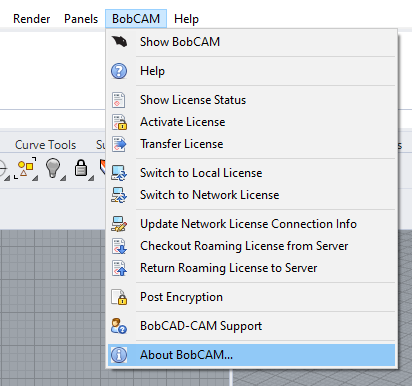
Open Rhino, click on the "BobCAM" drop-down menu and select "About BobCAM..." (See picture).
If you need further assistance, please contact our support team at (727) 489 – 0003 or [email protected]