
Contextual Toolbars
The new contextual toolbars give you easy access to the most frequently used commands! In this version, there's really no need to right-click items to then search through the context menu to find the desired command. Simply left-click the item once and the Contextual Toolbar appears, allowing access to the commands you use time and time again!
| CAM Context Menu | CAM Contextual Toolbar |
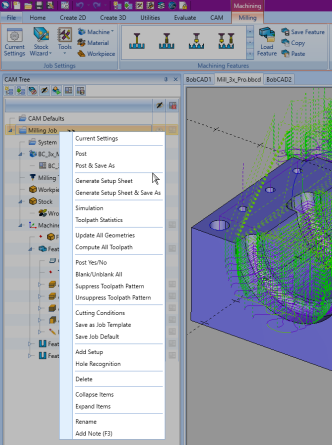
|
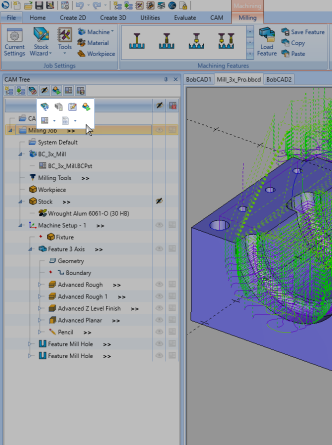
|
| CAD Context Menu | CAD Contextual Toolbar |
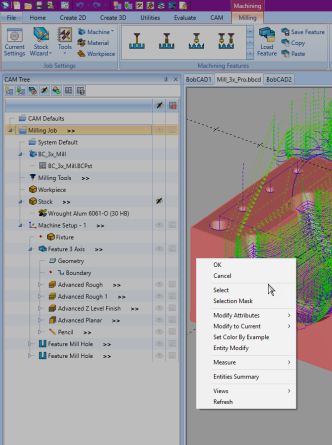
|
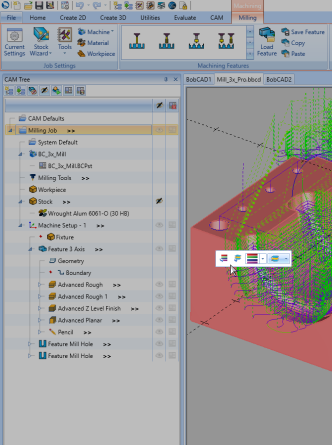
|
If you need further assistance, please contact our support team at (727) 489 – 0003 or [email protected]